
Annotated visual and editorial examples
Product video before-and-after examples
See how a focused crop, evidence-backed language and a single-task storyboard change what a product video communicates.
By Maybe Labs · Updated
1. Make the action readable
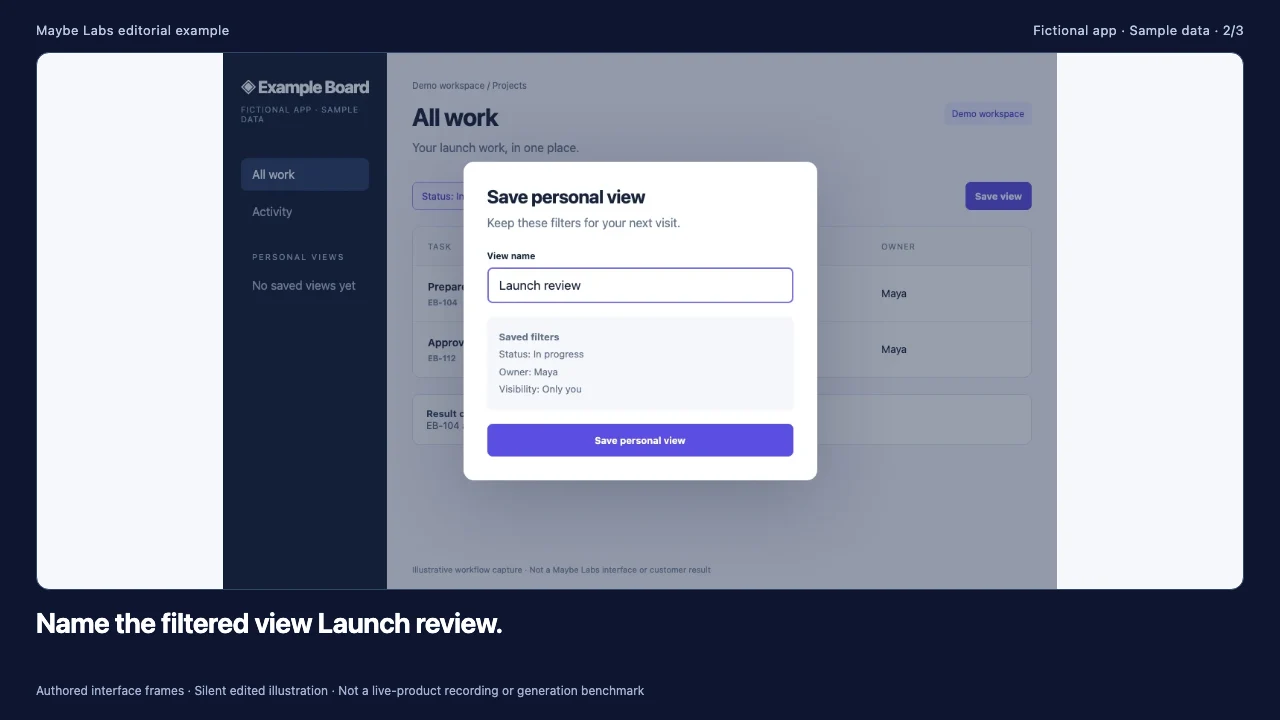
Both views use the same owned fictional screen. The crop enlarges the saved-view control. It needs enough surrounding context to show where that control lives.
2. Replace unsupported outcomes with observable behavior
Before / unsupported
“Find every task 10× faster.”
The screen does not establish completeness or a speed comparison.
After / bounded description
“Save this filtered task view and reopen it from Personal views.”
For this fictional example, the screen shows a named view and its saved filters. A real product still needs its own current evidence.
3. Give the storyboard one job
| Before: feature list | After: one task | Evidence needed |
|---|---|---|
| Dashboard, tasks, reports, integrations | Show the task list and set a filter | Actual supported filter |
| Five benefit claims | Save the filtered view | Saved-view action and label |
| Logo and generic CTA | Reopen the saved view, then one CTA | Persisted result and working destination |
How to use it
- Inspect the original full screen and a focused crop at the same display width.
- Compare an unsupported performance claim with a description the screen can support.
- Replace a multi-feature list with a sequence that teaches one task, then test it at the intended placement size.
Download the working files
Version 1 · Free to adapt for your team’s work. Keep example labels when reusing illustrative data. No email address required.
Scope and assumptions
These are editorial teaching comparisons using an owned fictional Example Board UI. They are not customer results or measured conversion improvements.
Cropping can remove necessary context. Preserve the product label or orientation needed to understand an action, and check the final mobile-size export.
Suggested scene lengths are planning choices. Validate them by playing the actual video with representative viewers.